 Minimal World Clock
Time zones, simply
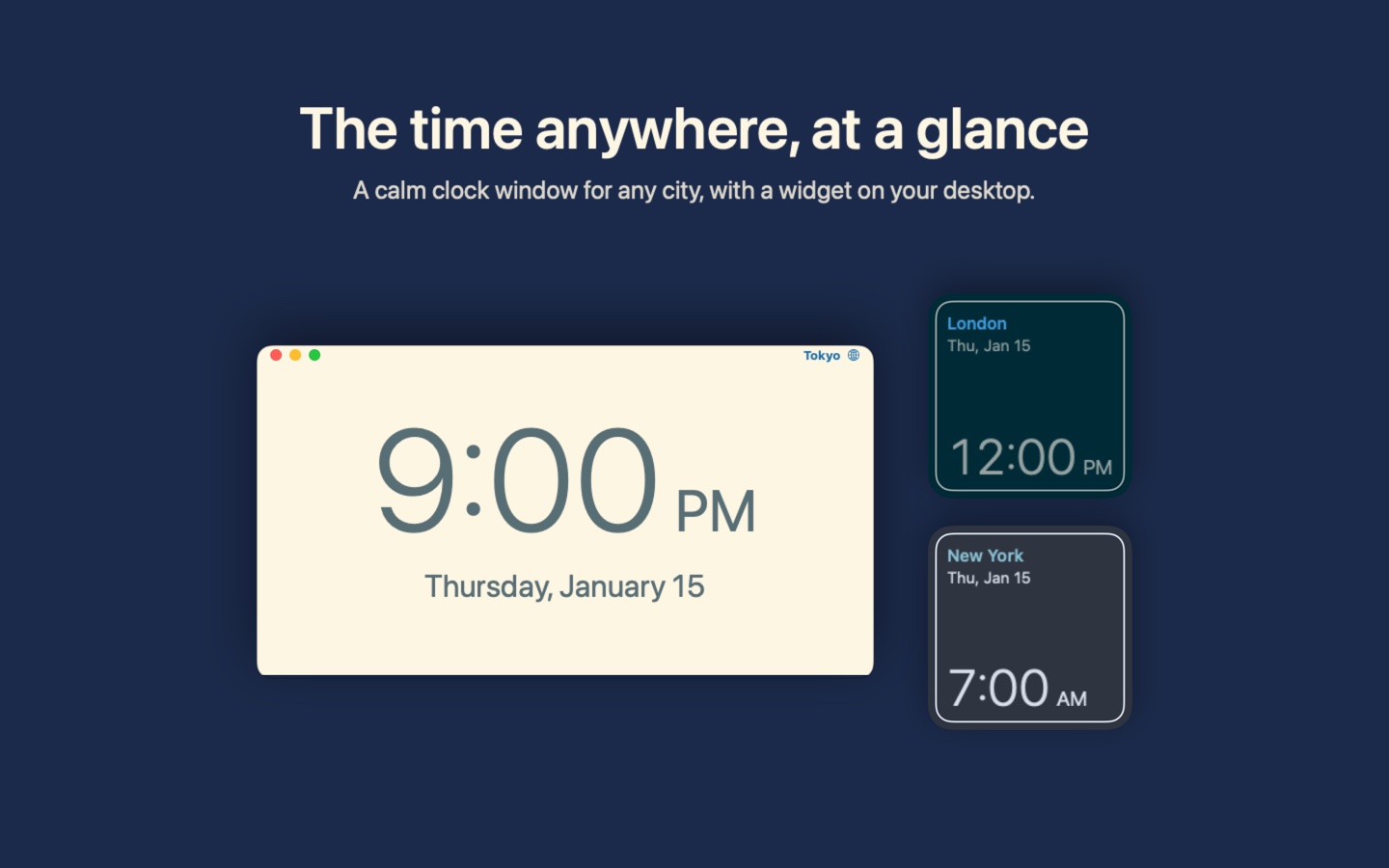
Minimal World Clock does three things and keeps them simple: a clock window for any city, a window that compares two time zones, and widgets that keep a city's time on your desktop.
- Search by city, country or time zone name ("San Francisco", "Japan", "Pacific Time"), and star the places you use most
- Compare two time zones (Window → Compare, ⌘2): drag across the day, or type a time, to find one that works in both places
- Small and medium desktop widgets
- Sixteen color themes, from Solarized to an amber CRT
- 12- or 24-hour time
- Light on your Mac: it updates once a minute and pauses while its windows are hidden
- Modern accessibility traits such as screen reader support and color blindness support
- No accounts, no ads, no tracking
Questions? See Support for answers and how to reach me, or read the Privacy Policy: the app collects no data.
Coming soon to the Mac App Store